
Redistribution
In MasterKey Concrete moment re-distribution of beam support moments may be carried out post-analysis.
You can either do interactive re-distribution from the beam reinforcing editing area, or set the redistribution values from the re-distribution screen.
Interactive re-distribution has the advantage of allowing you to tailor your redistribution.
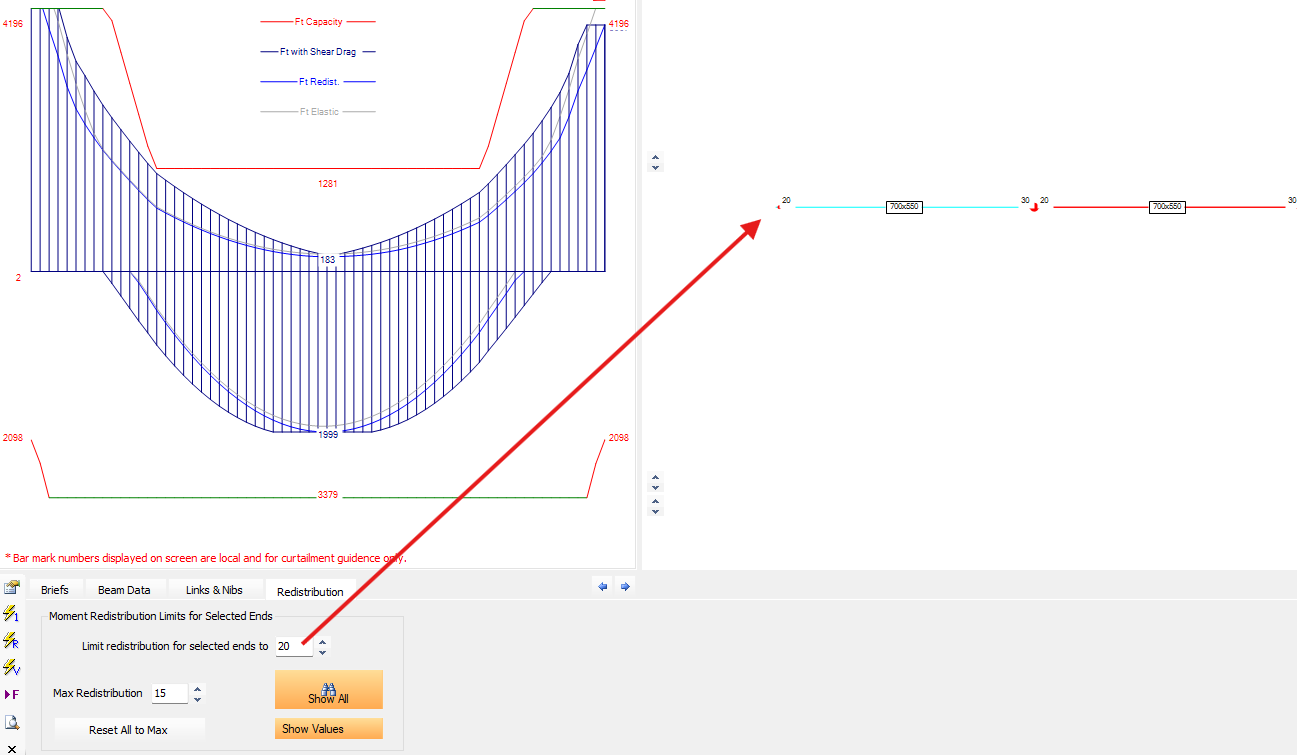
In the example adjacent we were able to reduce the top right steel to reduce material. If we had re-distributed by more than 15% on the right then we would have needed more mid-span bottom steel.
The distributed moment is drawn with a faded grey line in the BM diagram.
.png)
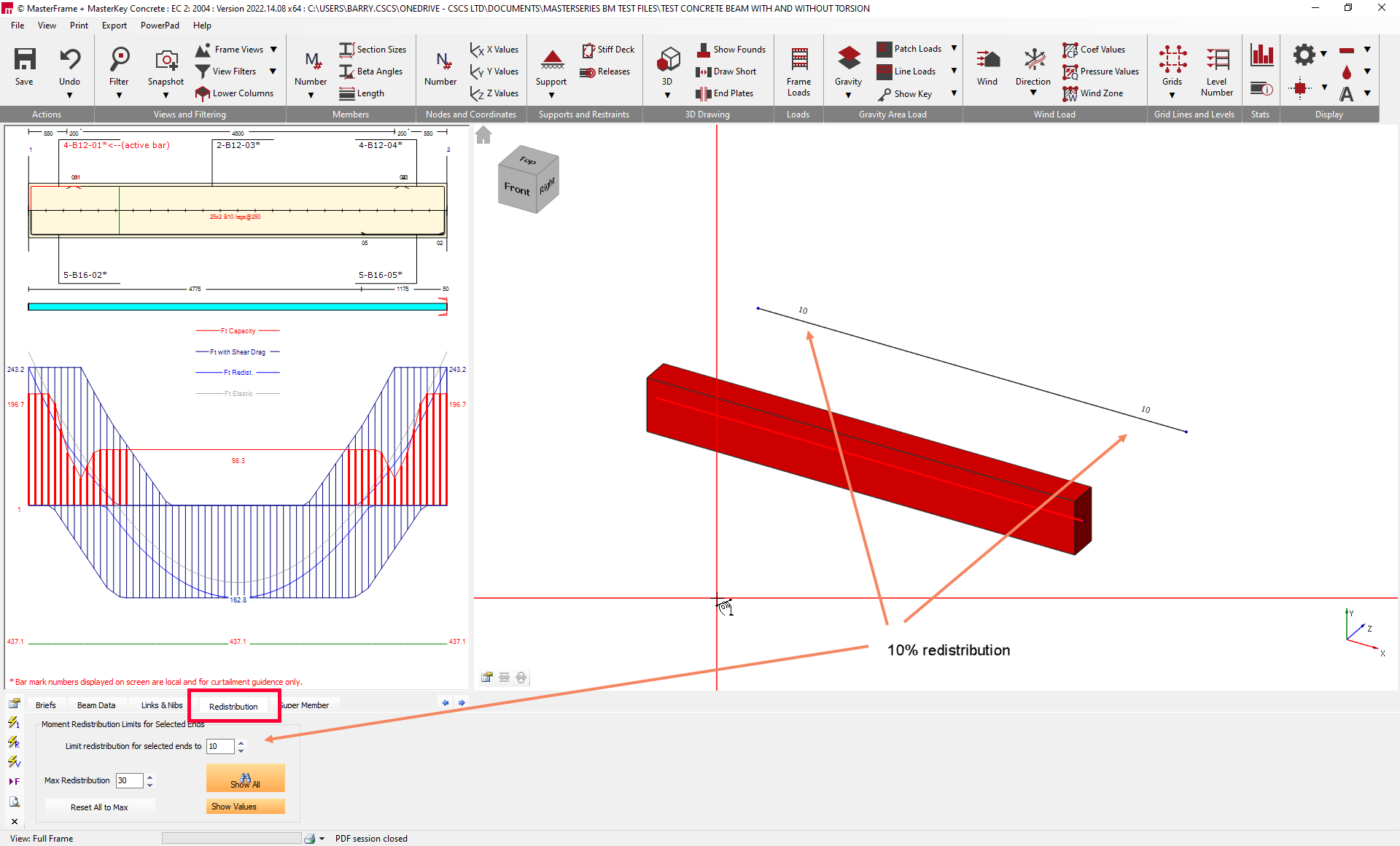
Once you have decided on the degree of re-distribution for the key elements then switch to the main re-distribution screen using the control Redistribution tab.
Here you choose a value of re-distribution and then pick the ends of the members you wish to re-distribute. Repeating for all the different percentages you wish to re-distribute by.
Return to the design screen using the main Beam Data tab.
.png)
Moment Redistribution Limits for Selected Ends
This is the primary control section within the Redistribution tab where you define and apply redistribution values to specific supports across the structure.
It provides a global method for managing redistribution, which is often more efficient than setting percentages end-by-end in the individual beam data.
Limit redistribution for selected ends to
This input field allows you to set a specific redistribution percentage (for example, 10%, 15%, or 20%) that you wish to apply. Once this value is entered, you can click on specific member ends in the graphics window to apply that exact percentage to them.
Max Redistribution
This setting defines the allowable upper limit for moment redistribution within the project (e.g., 30%). It works in conjunction with the “Reset All to Max” button, which allows you to quickly reset all redistributed ends to this defined maximum value if desired.
Other Notes
Moment redistribution only applies in the concrete design, it is applied post analysis. You don't get a redistributed set of results in MasterFrame. You also don't use redistribution in the slab design. Redistribution is an older (approximate) technique used for concrete beams to reduce the peak hogging moments by assuming a certain degree of cracking and rotation takes place which shifts some of the bending to the mid-span (in sagging).