Printing and Exporting Results
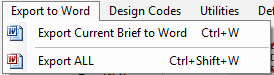
You can use the Print option to print the calculations to a printer, PDF and Export to word option to expor the calculations into Word (Office Tools module required).
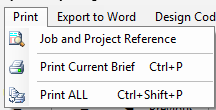
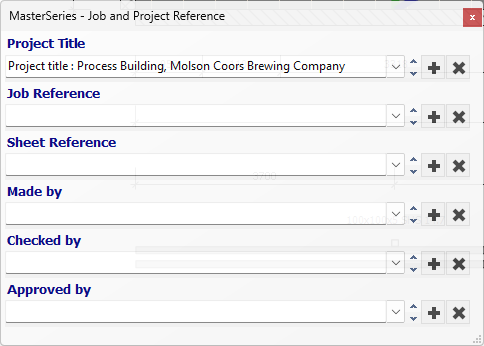
The Project Title and Job References can be entered for the particular project in the Job and Project Reference dialogue box.
Print the current brief : Lets you to prtint the current brief alone.
Print all : allows you print all briefs in the file to a printer or PDF.
Select the printer or PDF from the printer list.
To print to PDF you need a suitable PDF creator which is usually added to the list of printers available on your computer. Alternatively you ca use the built MasterSeriesPDF PDF printer.
.png)
If you print to a PDF creator, the program can keep adding output to that particular PDF until the you close it. To ensure that MasterSeries retains the open PDF print session and continues to add to it with each print operation, the 'PDF' check must be checked for the selected PDF creator.
To close it click on the down arrow beside the printer in the bottom left of the screen and select to 'Close the PDF session'.
At this point you will be prompted to save the PDF giving it a file name.
.png)
You can also export the design briefs to a Word document.
You need to have Word on your computer and the Office Tools utility on your MasterSeries licence.
.jpg)