Basic Data and Defaults
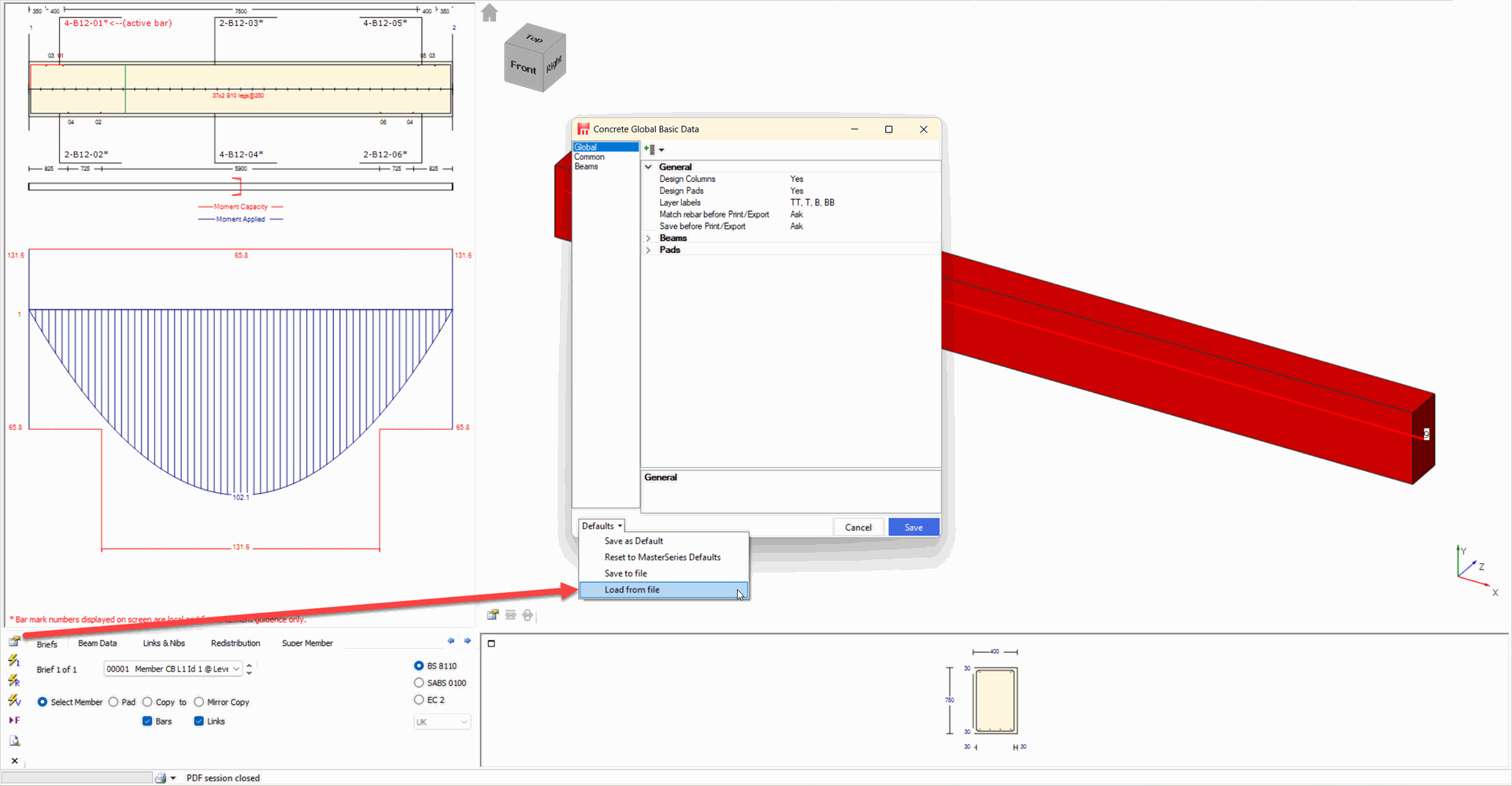
The concrete basic data and defaults can be accessed from the icon circled, at the bottom of the screen.
.png)
.png) Setting the basic data and defaults is the key to using MasterKey Concrete. These settings are used in each of the following design aspects.
Setting the basic data and defaults is the key to using MasterKey Concrete. These settings are used in each of the following design aspects.
Beam Curtailment Auto Design Covers + Aggregates | Design + Grades Laps, Cranks and Kicks Side Bars and Labelling |
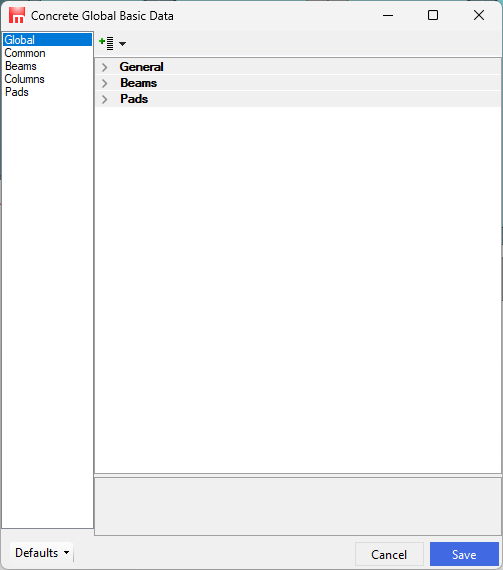
On the first design of a generated frame the basic data and defaults form is displayed. The basic data and defaults form can also be accessed at any stage by the (icon) control from the Quick buttons.
| Save the Basic Data & default settings to a file |
| Load a previously Saved set of Basic Data & default settings to make them the same as another file. |
| Resets the Basic Data & default value settings to a typical set of definitions. |
| Load MasterSeries Help. |
| Close the form and use the settings with the current file. (Apply & Close) |
.png)
.png)
.png)
.png)
.png)
Resorting From a Previous Default