MasterFrame - Troubleshooting
Analytical errors (Troubleshooting)
If a model in MasterFrame will not analyse, the cause is usually an issue with stability, connectivity, restraint, loading, or stiffness within the model. In most cases, the software is identifying that the frame as modelled does not have a complete and stable load path, or that the arrangement is so flexible that the analysis cannot complete reliably. A good approach is to review the model in a structured way, starting with the simplest checks first.
1. Check the supports
The first step is to confirm that the structure is adequately restrained.
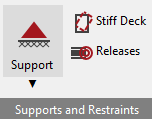
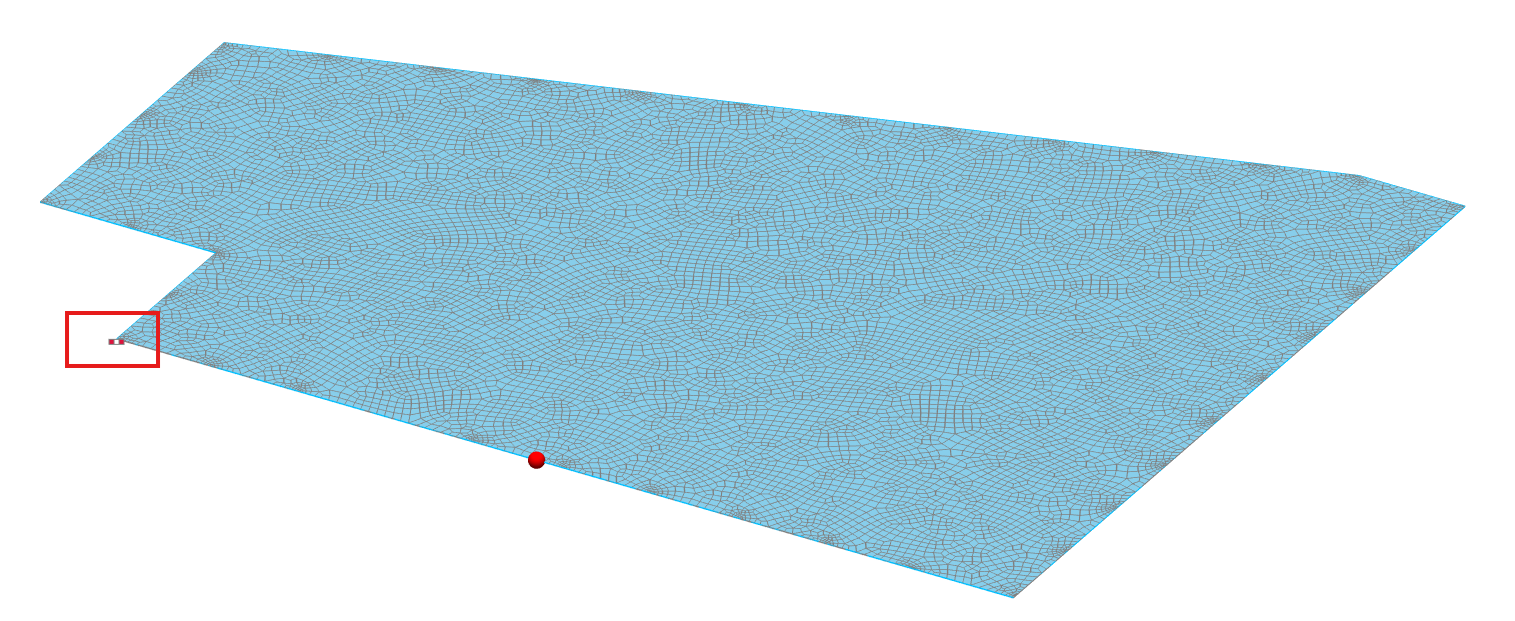
A frame must be prevented from moving freely as a rigid body in the required directions, and must also have enough rotational restraint to avoid forming a mechanism. If supports are missing, assigned in the wrong direction, or are too flexible, the model may become unstable. Equally, if the real structure relies on bracing, diaphragm action, or fixity that has not been included in the model, the analytical frame may not be able to stand up on its own.
2. Check member connectivity
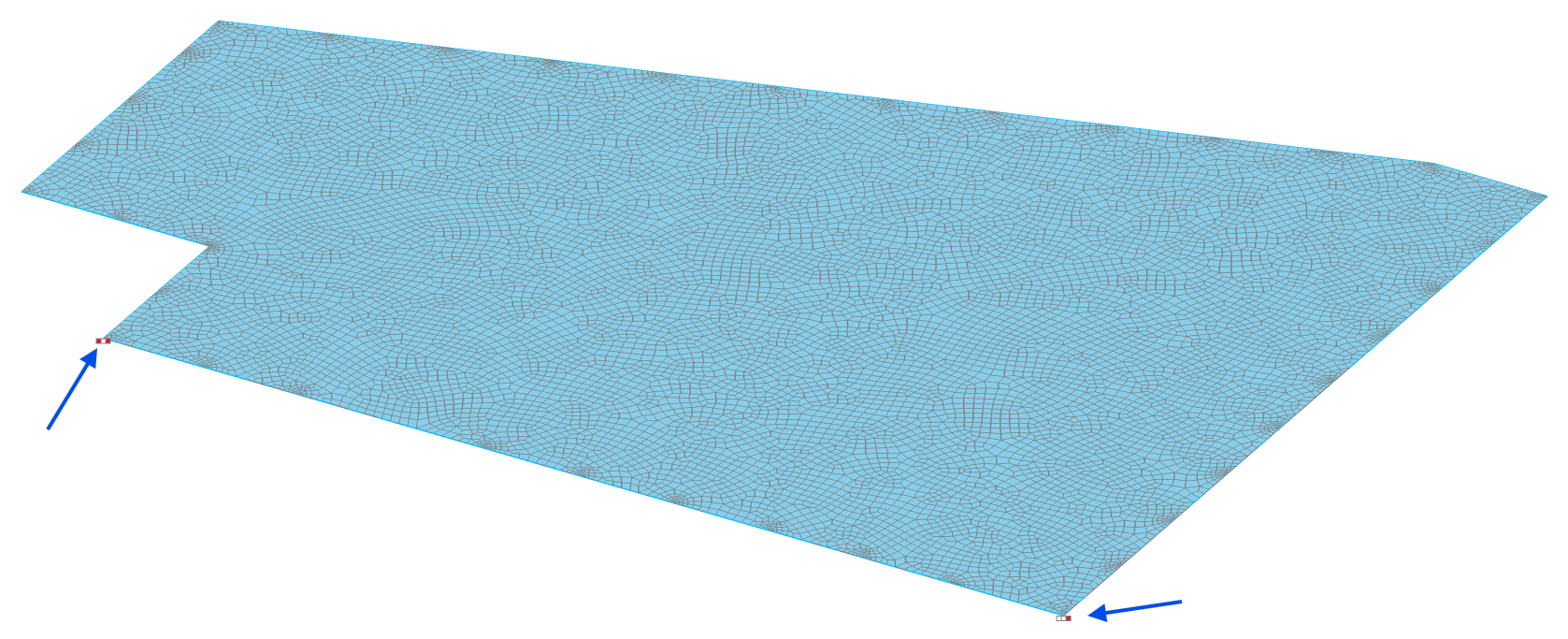
Make sure all members are properly connected to one another at common nodes. Members that appear to touch graphically may still be analytically disconnected if nodes have not been merged correctly or if the members do not share a true analytical connection.


A single disconnected beam, column, brace, or dummy member can prevent a frame from analysing or can leave part of the structure unsupported.
3. Check releases and end conditions
Review all member releases carefully. End releases are often the cause of instability where they remove more stiffness than intended. For example, if beams and columns are released in a way that removes moment transfer at a joint, or if both ends of a member are released, the resulting arrangement may form a mechanism.

The model should always be checked to ensure the chosen release arrangement still leaves a stable structural system.

4. Check the loading
Confirm that loads have been applied to the correct members, panels, or nodes, in the correct direction, and with sensible magnitudes. A load in the wrong axis, an unrealistic load factor, or a large nodal load applied at a flexible point can lead to excessive displacement or apparent instability.
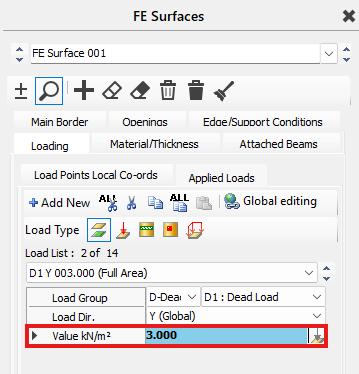
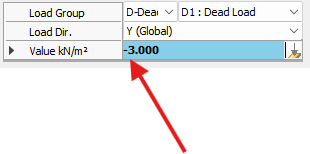
It is also worth confirming that the loadcase and combination settings are as intended.
5. Check the stiffness of the structure
Some models do not fail because they are fully unstable, but because they are simply too flexible. If the frame has very slender members, limited restraint, no bracing, or unrealistic support conditions, the deflections may become excessive and the analysis may struggle to converge. In these situations, the issue may be with the behaviour of the model rather than with any specific analytical error. Reviewing the deflected shape can often help indicate whether the frame is swaying, twisting, or deforming excessively in a particular area.
6. Check for missing bracing or diaphragm action
If the real structure relies on vertical bracing, plan bracing, stiff deck action, shear walls, or other forms of lateral restraint, these need to be represented appropriately in the model. A frame that is stable in reality because of its cladding, deck, bracing, or secondary members may appear unstable in MasterFrame if those stabilising elements have not been included.
7. Simplify the model
If the source of the problem is not obvious, simplify the model back to the primary frame. Remove non-essential items such as secondary members, dummy members, springs, stiff decks, partial fixity assumptions, or unusual releases, and test the basic structure first. Once the simplified model analyses, add the remaining elements back in step by step until the cause of the problem is identified.
8. Review the deflected shape and warnings
Where the software provides a warning message, unstable node, or partial result, use that information alongside the deflected shape to help identify the issue. The deformed shape will often show whether the problem is caused by rigid-body movement, local instability, excessive sway, twisting, or a disconnected part of the frame. This is often one of the quickest ways to understand what the model is trying to do.
Common causes of analytical errors
Typical reasons why a frame will not analyse include:
- insufficient support restraint,
- disconnected members or nodes,
- releases creating a mechanism,
- missing bracing or diaphragm action,
- loads applied incorrectly,
- unrealistic member stiffness or support stiffness,
- and excessive flexibility leading to very large deflections.
Practical troubleshooting workflow
A sensible order for checking a model is:
- confirm supports,
- confirm member connectivity,
- review releases and end conditions,
- check loads and load directions,
- review deflected shape and warnings,
- simplify the model and rebuild progressively.
Important note
When troubleshooting an analytical error, the aim is not only to make the model run, but to make sure it runs for the right structural reason. Adding artificial restraints or stiffening purely to force the analysis to complete may suppress the real behaviour of the structure and lead to misleading results. Any changes made to stabilise the model should therefore be checked to ensure they remain representative of the real structure.