
Viewing Wind Loads
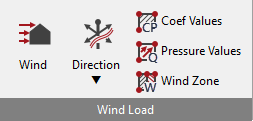
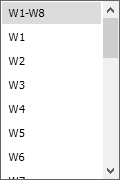
Wind Loading panels can be displayed graphically using the Wind Load icon. The Direction drop list will allow you to select which wind direction you wish to view the wind intensities for. W loads are due to wind intensity based on Cpe values, P loads will also include the positive internal pressure coefficients and S loads will also include the negative internal pressure coefficients.
Example
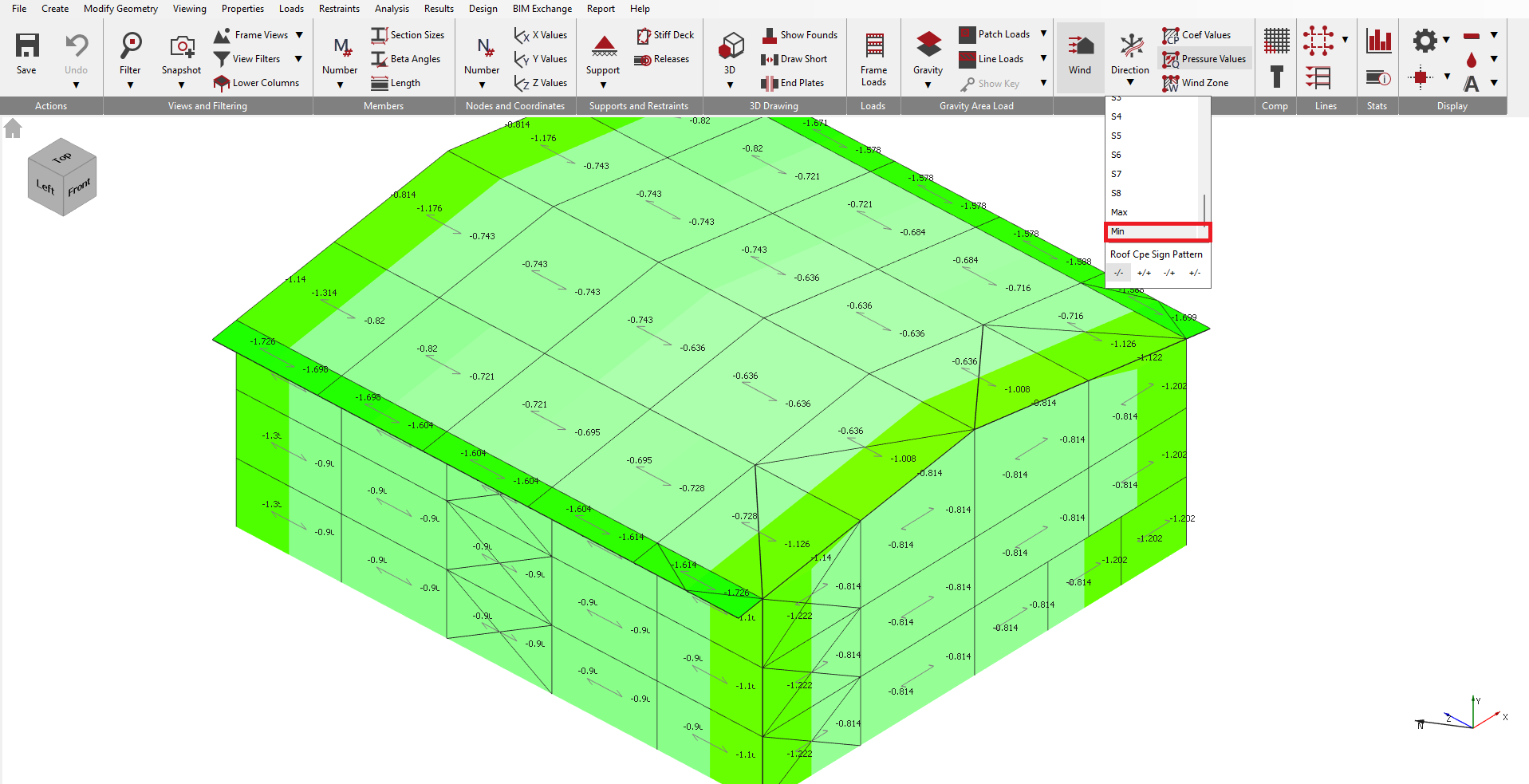
The total uplift wind pressure on a typical roof will be due to a combination of external (negative) suction plus internal (positive) pressure.
Wind directions W1, W2 etc. show the external wind pressures only acting upon the structure. Wind directions P1, P2 etc. show external wind pressures plus internal (positive) pressure. And, wind directions S1, S2 etc. show external wind pressures plus internal (negative) suction.
Other views
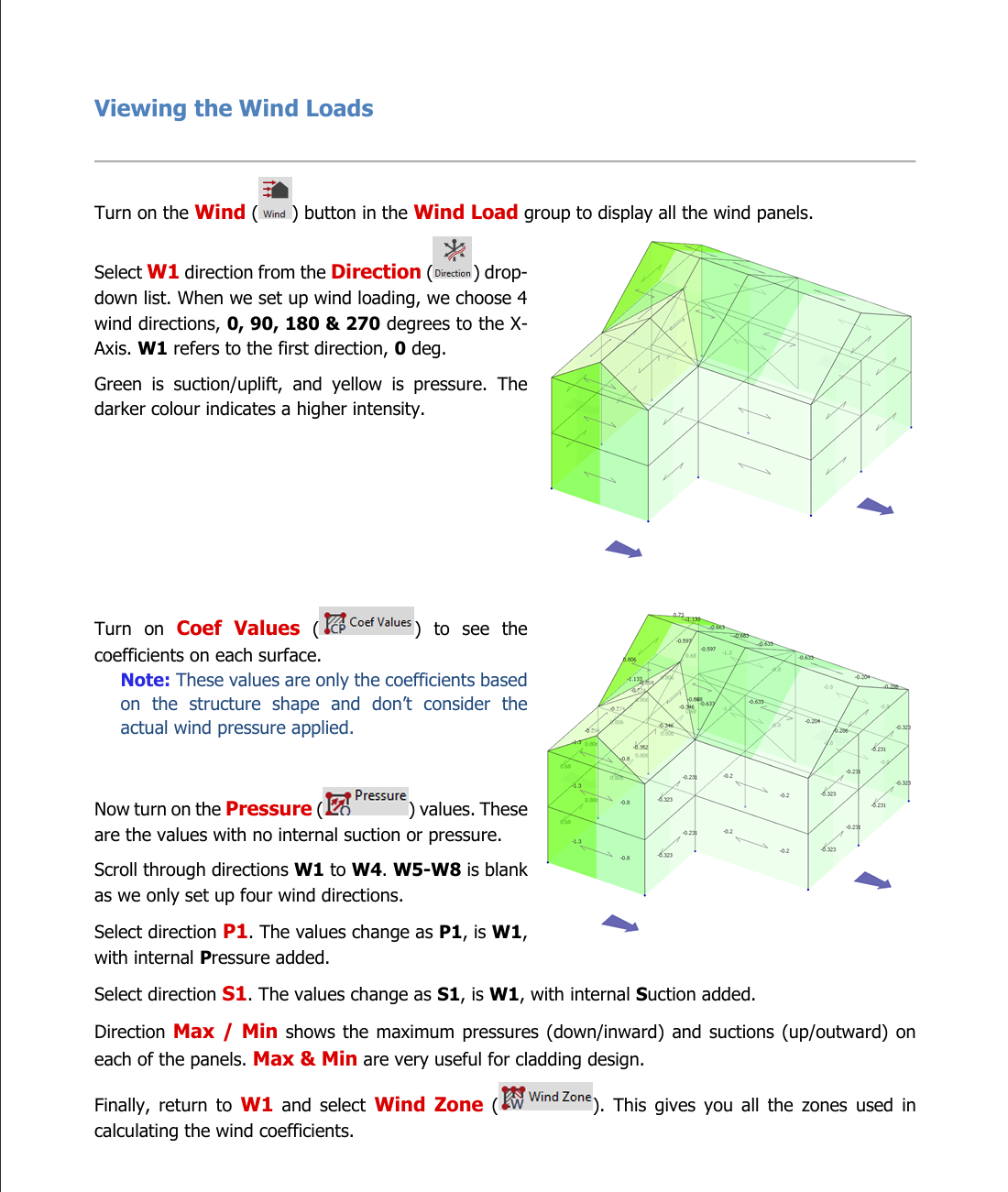
On the graphical display of the wind you can show the ‘Cp’ values across the model, or alternatively the actual wind pressures ‘Q’ or wind zones ‘W’ applied.
Wind loading on members can be displayed using the Frame Loads icon in the top toolbar – see section on 📄 Viewing Loads to see how to use this function.