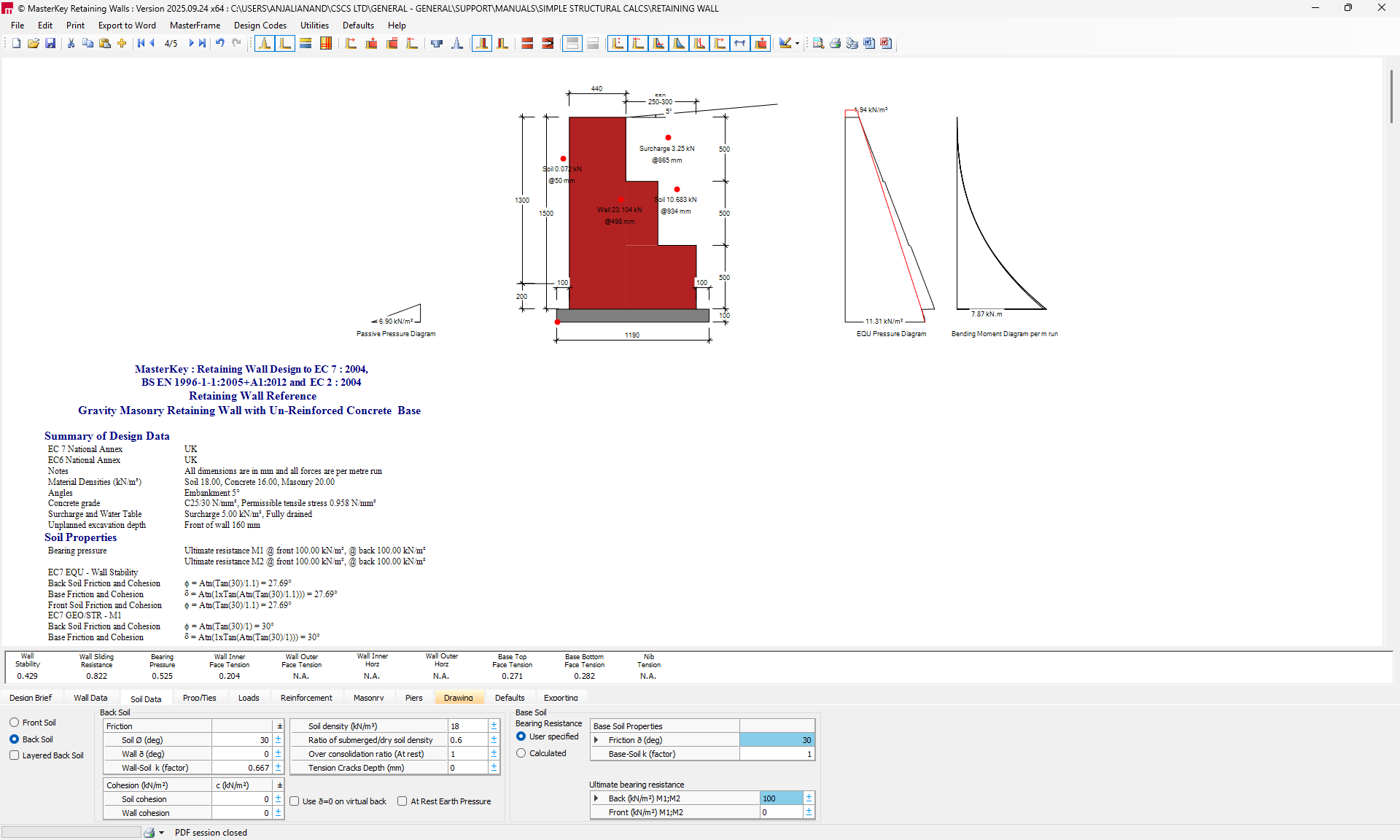
Gabion Retaining Wall Analysis & Design (EN1997)
Setup and Design Brief
Access the Retaining Wall Module: Open the MasterSeries software and start the Retaining Walls program.

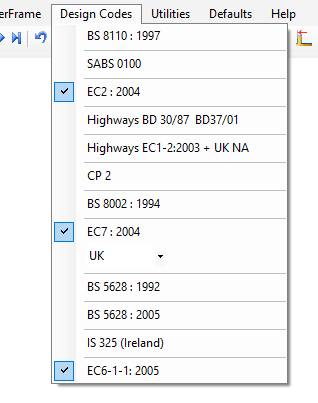
Select Design Codes the design has to be carried out
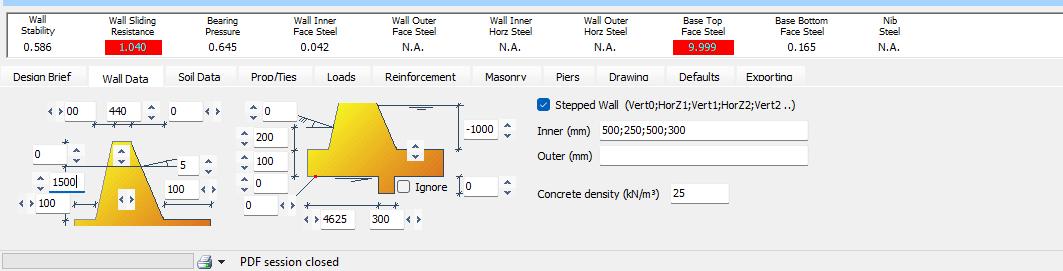
Wall Data
Use the Wall Data tab to set up the wall geometry. Gabion walls often use a stepped profile for stability.
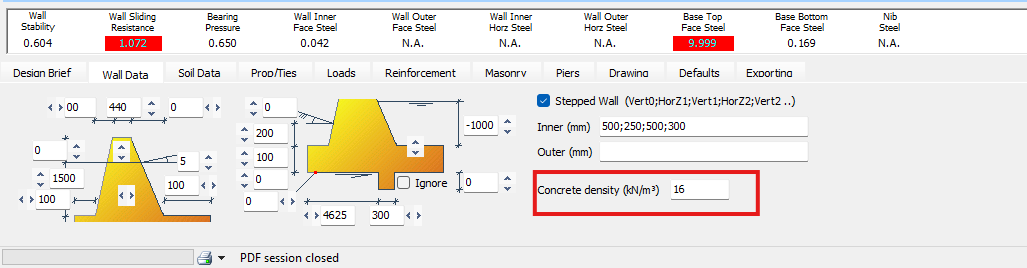
Set Material Density: Regardless of the code, you must adjust the material density to suit the stone-filled nature of the gabion. Set the concrete/wall density to a typical value for gabion stone fill (e.g., 16 kilonewtons per cubic meter).
Defining Soil Conditions
Define properties for the front, back, and base soil using the soil data tab
Set parameters such as soil density, soil friction angle, and cohesion.
Input the permissible bearing pressure for the design, which is set under the soil data tab

Define Loading
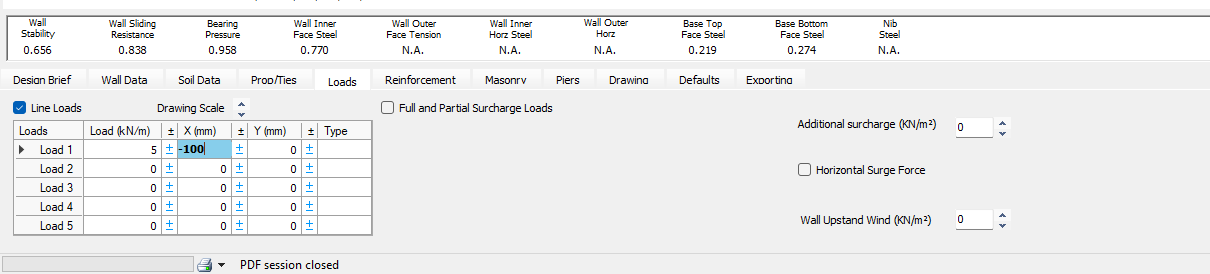
Specify all loads that the wall will experience.
Typically, the default surcharge load (e.g., 10 kN/m²) recommended by British Standards for vehicular traffic is applied.
You can input line loads, full or partial surcharge loads, or horizontal surge forces.
Eliminate Tensile/Flexural Strength
If modelling to Eurocodes:
Under masonry tab , choose "dimensioned natural stone" as the material . This material selection automatically provides a default flexural strength value of zero.

If modelling to British Standards:
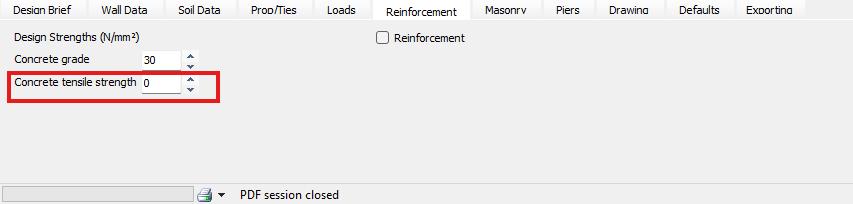
Specify the wall as a concrete wall. Then, under the Reinforcement tab, set the concrete tensile strength to zero.Explicitly ensure that no reinforcement is specified, particularly in the upper wall or stem
Analysis and Refinement
Examine the results, focusing on geotechnical checks for overall stability, including overturning, sliding, and bearing pressure.
If the design shows a failure (often indicated by a blue screen with relevant numbers highlighted in red), particularly if the inner face is in tension, it means the structure lacks sufficient gravity weight and dimensions to resist the applied loads. You must revise the geometry, such as increasing the thickness of the base or the steps, to ensure the wall works stability-wise as a gravity structure