Standalone RC Beam Design (EN1992)
The standalone concrete beam design capability is best accessed via the MasterBeam Concrete Beam Designer, which is suitable for designing single or continuous beams up to 3 spans (in the PowerPad suite) or up to 16 spans in masterframe.
Launch the Module
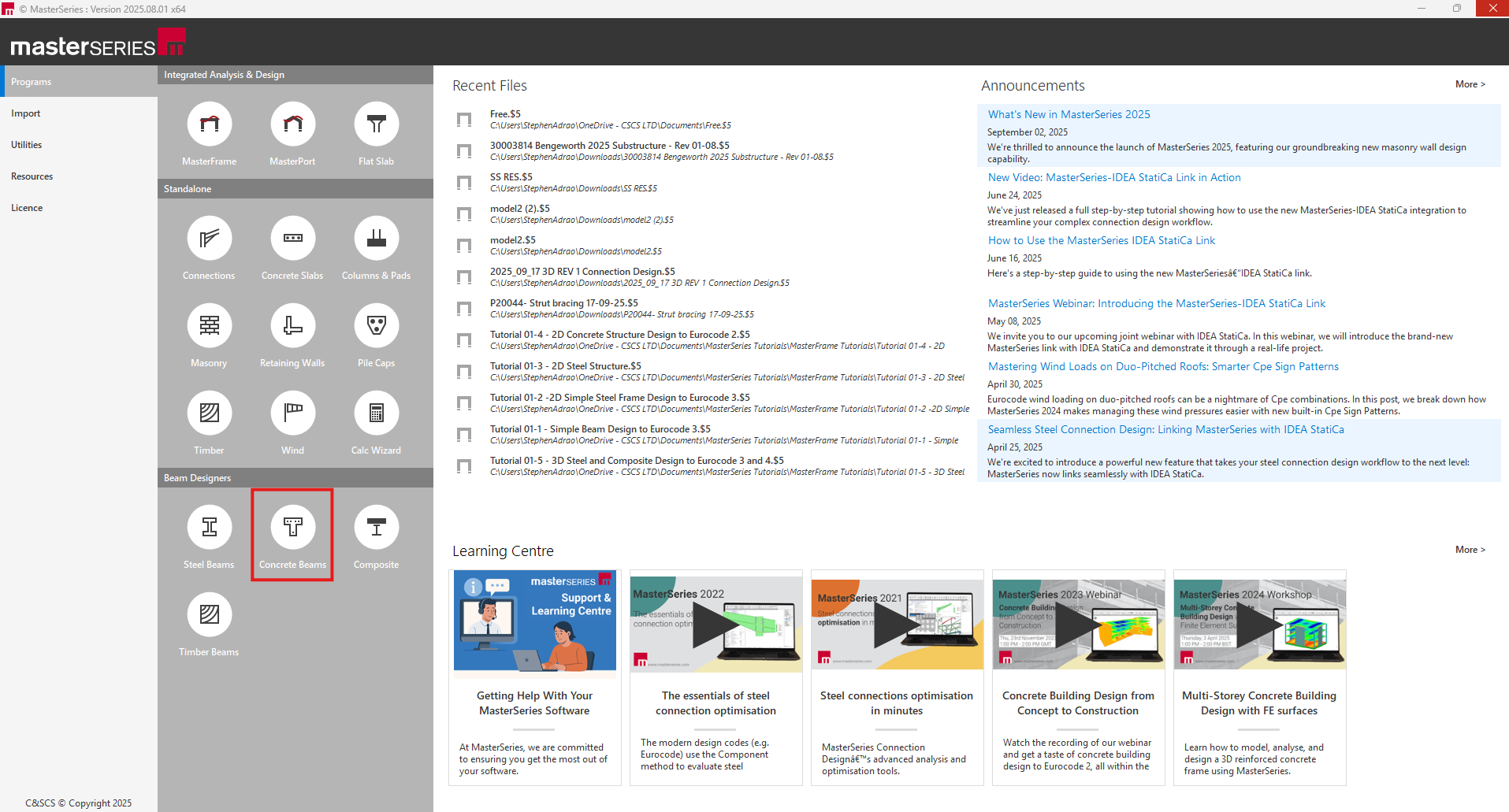
Start MasterSeries and navigate to the Concrete Beam Designers section (often listed under the MasterKey Concrete Design suite of programs). Select the option to create a new file (e.g., example1).
Define Geometry
In the layout interface, define your spans. For a typical continuous beam, you would input the span lengths (e.g., 7.0 m, 8.0 m, 7.0 m).
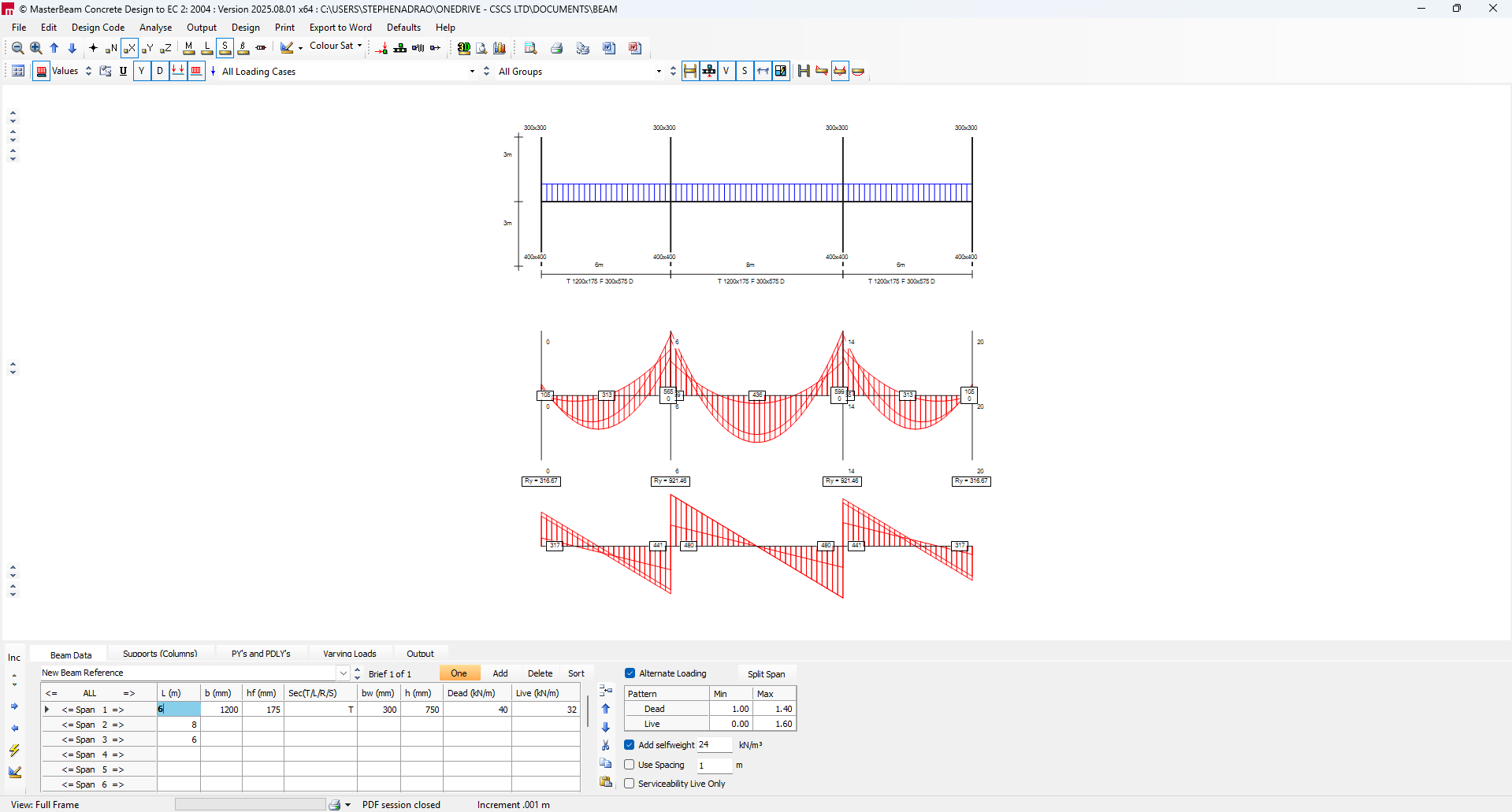
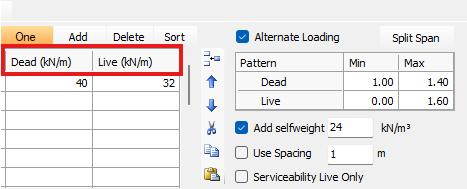
Apply Loading: Input your dead and live loads.
- Define the loading (e.g., permanent and variable actions) to be applied to the beam.
- If applying area loads as a UDL, you can specify the load in kN/m² and enter the spacing perpendicular to the beams to automatically generate the UDL.
- For continuous beams designed to Eurocode, ensure you account for Alternate Loading Patterns to achieve maximum sagging and hogging moments (Max-Min, Min-Max scenarios).
Access Design
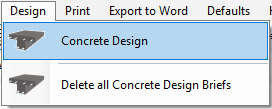
Once the geometry and loading are satisfactory, proceed to the design function (usually accessible via the Design menu or an integrated button).
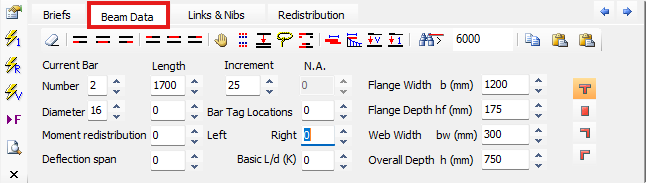
Review Defaults: The program will present basic data and default settings (e.g., concrete grade, covers, bar sizes, link pitches). These defaults are used by the auto-design function and can be set to allow a wide range of bar numbers and diameters.
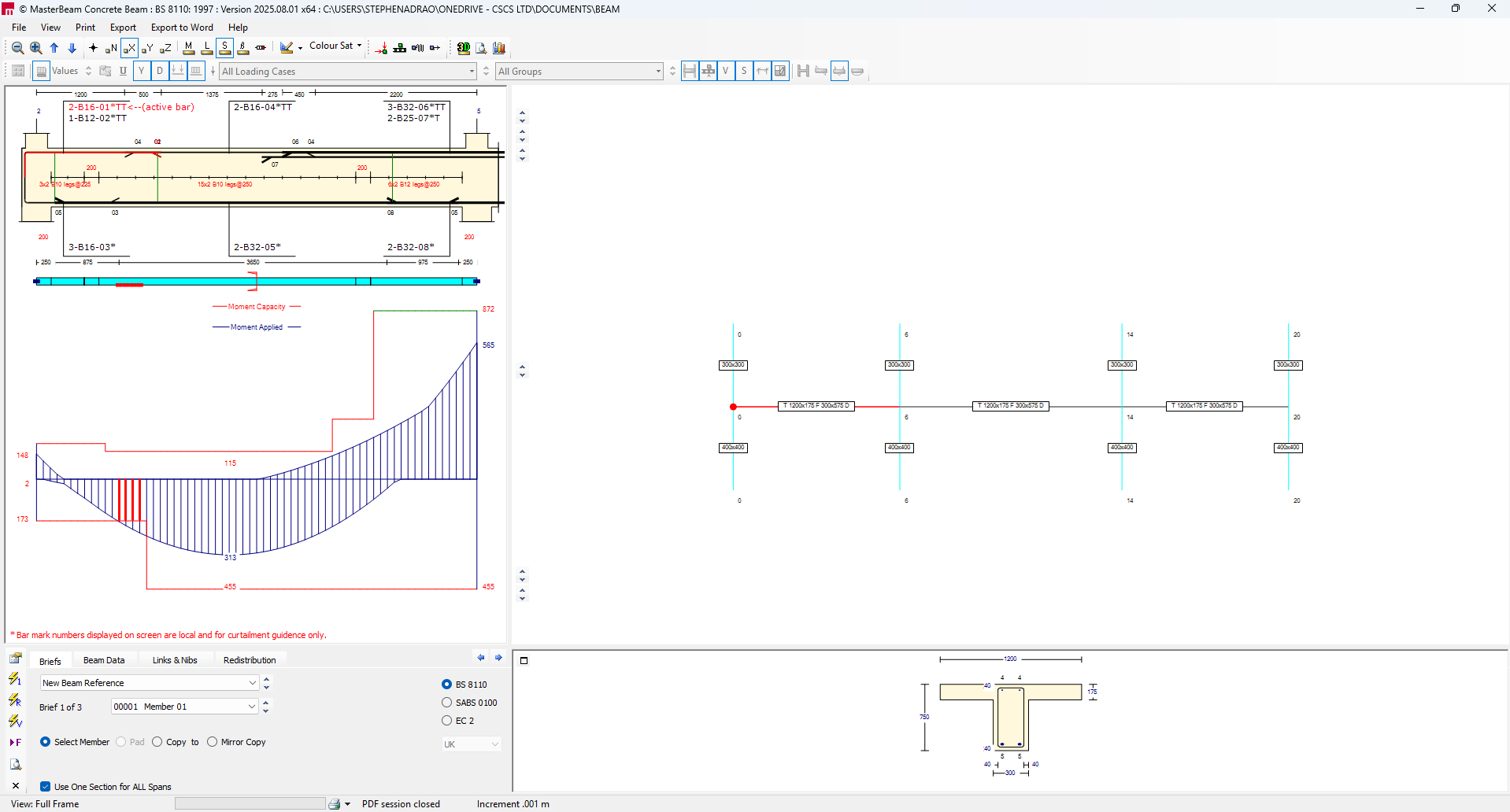
Auto Design and Detailing:
The software automatically proposes reinforcement based on the analysis results (which account for moment distribution and shear drag in Eurocode design).
The resulting design will display the beam elevation with proposed reinforcement (e.g., bar marks, lengths, link spacings).
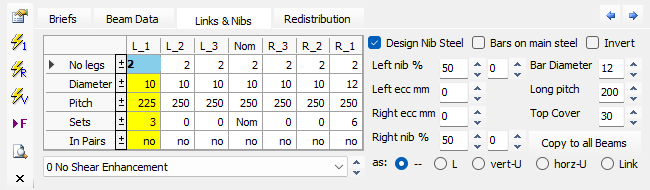
Refine Reinforcement: Interact with the design graphically.
- You can manually refine the reinforcement by selecting bars and adjusting the diameter, number of bars, or curtailment lengths. Failures or non-compliance (e.g., exceeding capacity) will be graphically highlighted.
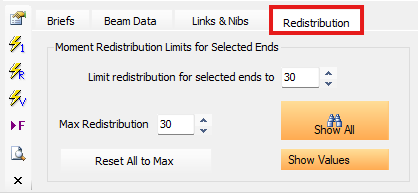
- You can redistribute support moments interactively using the editing tools if allowed by the design code, enabling you to use potentially smaller bars over the supports.
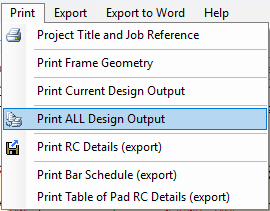
Output: Generate the necessary output:
- Bar Schedule: Print a detailed bar schedule including bar shapes and weights.
- Drawings: Export the elevation and detailing information as a DXF or DWG file.