
The Display toolbar
You can further enhance the graphical display of your frame from the options in the display toolbar.
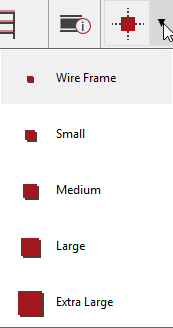
The nodes in the frame can be displayed and their size made larger or smaller to suit.
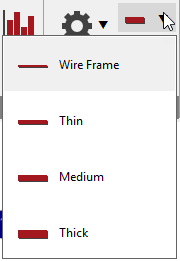
The lines representing the members can be thickened.
If the area or wind loading is displayed on the frame, the intensity of their colours can be varied using the colour saturation option.
You can also alter the font size for items that are displayed on the frame, e.g., member sizes or the size of the numbers, e.g., member numbers.
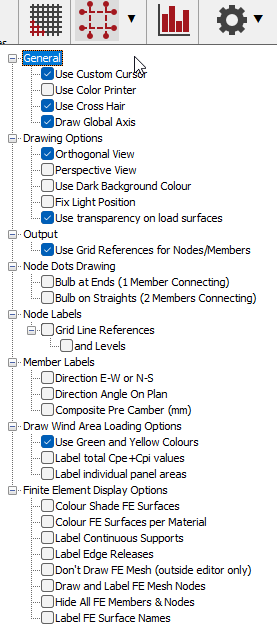
The settings option opens up a list of items that can be set as on/off for display on the frame. These include drawing options, node and member labels, wind area loading colours and finite element display options. Each list can be opened by clicking on the + sign. Tick the box for any item you want to include on the frame.
.png)
Display Settings
The settings option opens up a list of items that can be set as on/off for display on the frame. These include drawing options, node and member labels, wind area loading colours and finite element display options. Each list can be opened by clicking on the + sign. Tick the box for any item you want to include on the frame.
Output
Use Grid references for Node/Members.
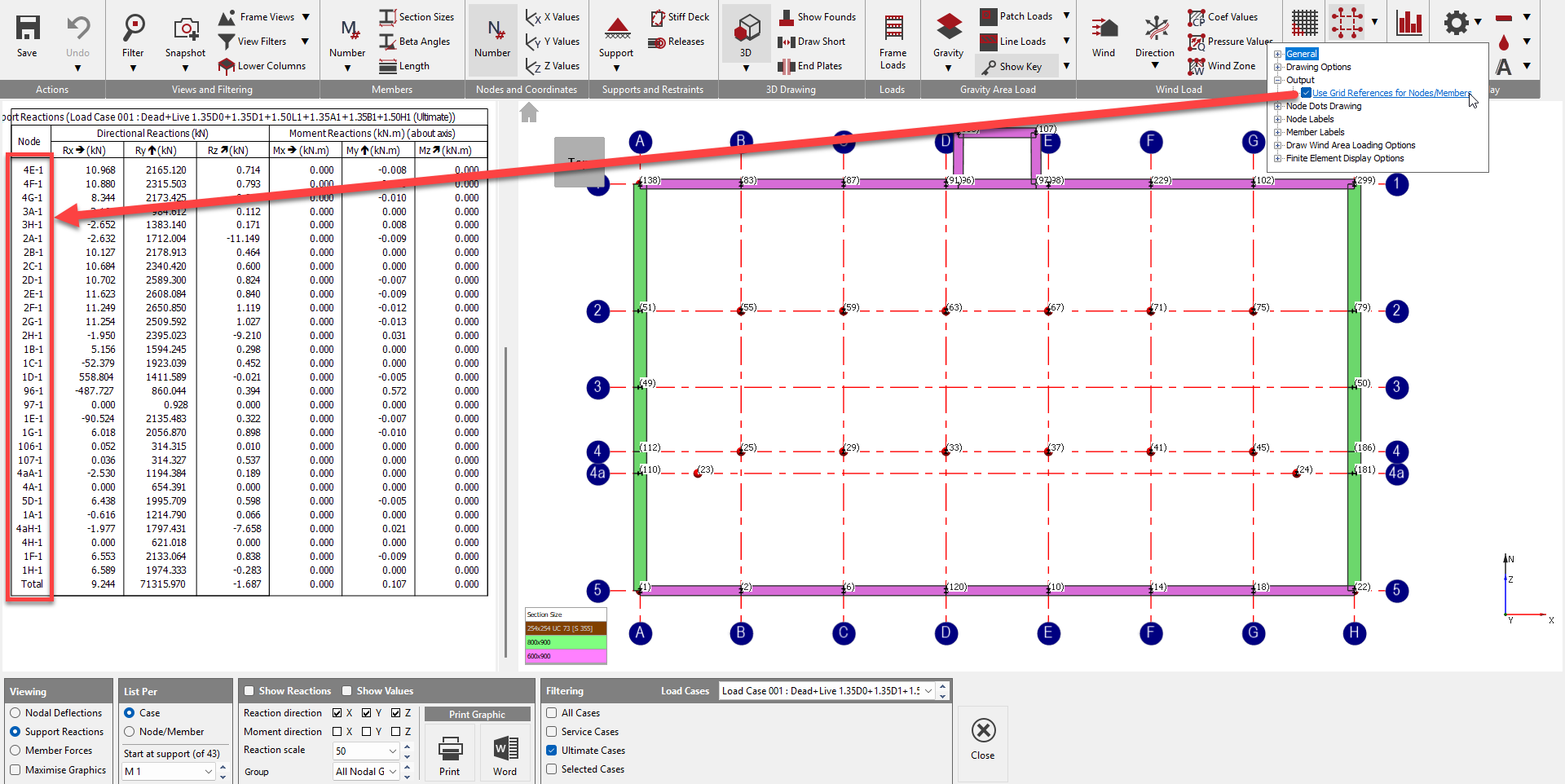
This option uses grid line and level references in place of member numbers and node number where possible. This is useful as the member
Because MasterFrame's internal node and member numbers can change during editing, it is recommended to use this Grid Line Referencing for consistent identification in reports. This applies a fixed label to members that remains constant even if the underlying node numbering shifts due to geometry changes.
The expectation is that grid lines in one direction are in 'Set1' which the intersecting grid line in the other direction in 'Set 2'. The software will check if nodes fall on the intersection points and reference then as such in relevant parts of the output.
Nodes
The nodes in the frame can be displayed and their size made larger or smaller to suit.
Lines
The lines representing the members can be thickened.
Colour Saturation
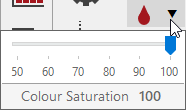
If the area or wind loading is displayed on the frame, the intensity of their colours can be varied using the colour saturation option.
Font Size
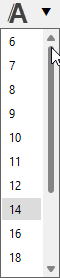
You can also alter the font size for items that are displayed on the frame, e.g., member sizes or the size of the numbers, e.g., member numbers.