
Creating a MasterFrame file
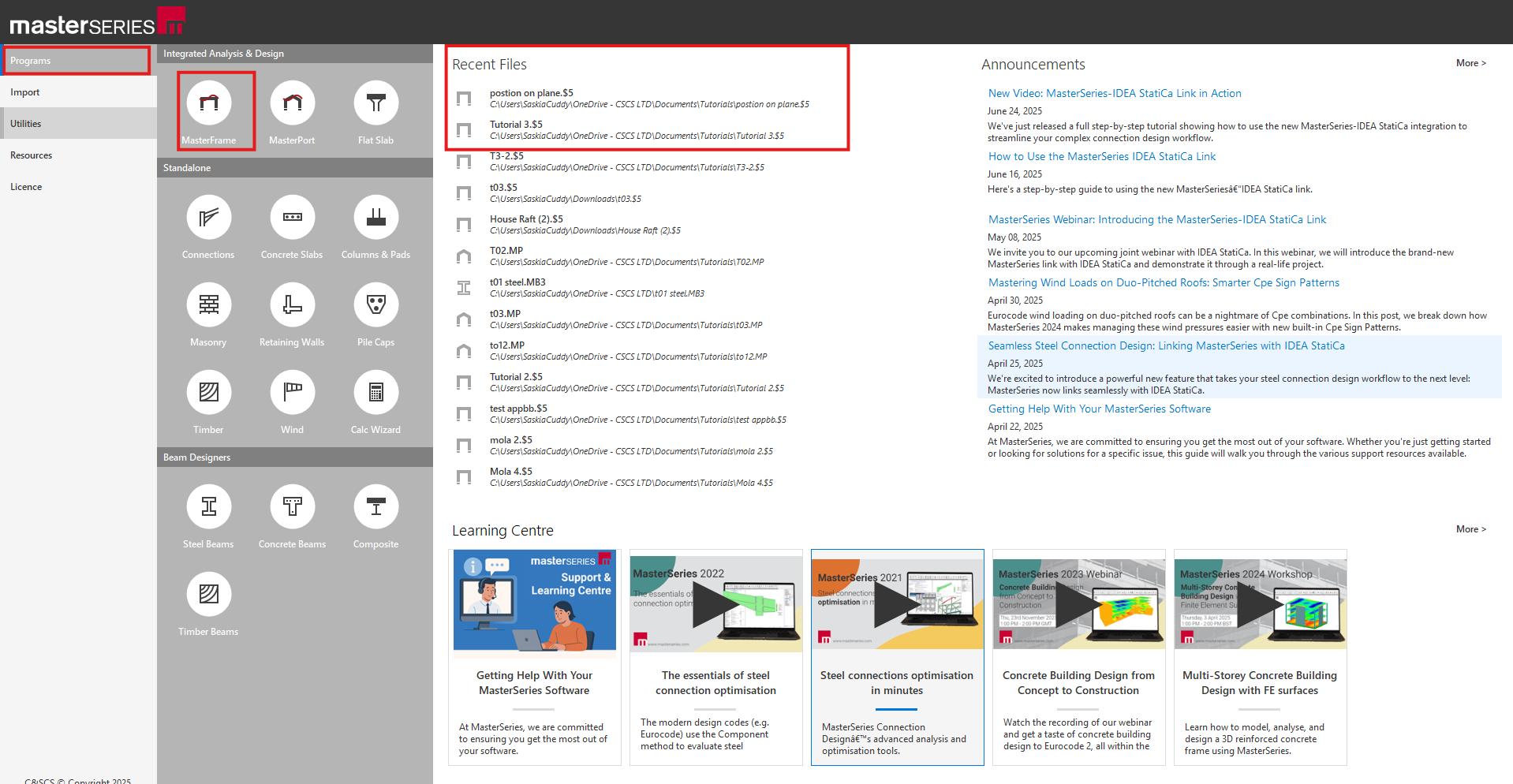
To start a new MasterFrame file from the front screen of MasterSeries:-
- Go to the Programs > MasterFrame icon
This opens up the file selection menu where you can pick a directory for the new file or select an existing file which you may be working on.
To start a new file:-
- .Click on the New button
- Type in a file-name of your choice
- Click on the Create button
.png)
.png)